How Many Calories Should You Eat a Day?
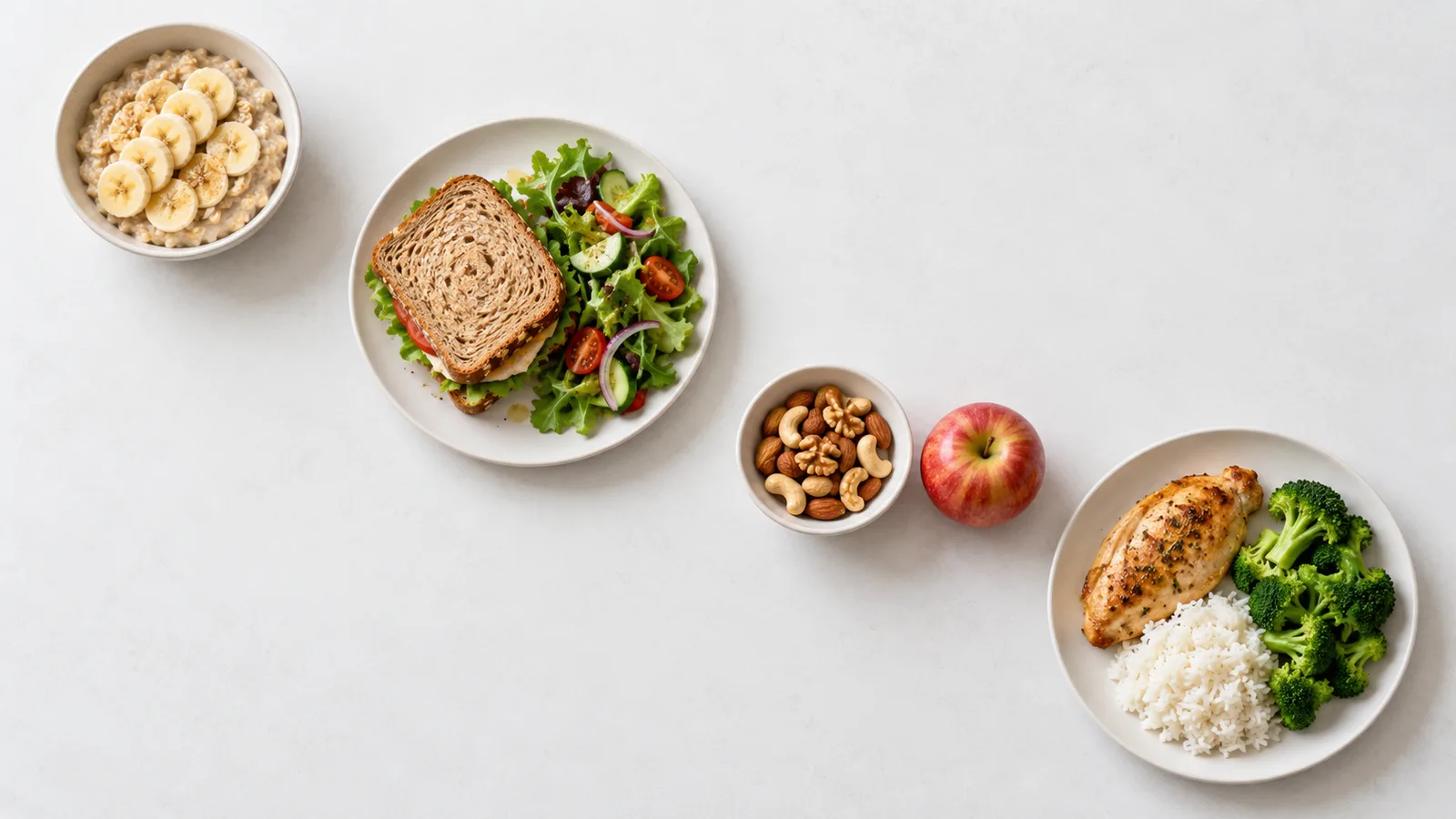
2,000 calories a day is the reference number on U.S. Nutrition Facts labels. The label footnote describes it as a basis for general nutrition advice, so it does not tell you how much your own body needs [1].
A useful starting number depends on your sex, age, height, weight and activity. If your goal is to lose weight, the different numbers on labels and calculators can leave you unsure which one to follow.
Start by estimating your maintenance calories, then choose a target for your goal and check it against your weight trend over several weeks. The reference table below gives a broad starting point. The TDEE calculator uses your own measurements and activity level.
This guide is for adults. Pregnancy, breastfeeding and people under 18 are outside its scope.
Daily calories by age, sex and activity
Maintenance calories are the daily intake estimated to keep your weight broadly stable. These adult rows come from the table of estimated calorie needs in the Dietary Guidelines for Americans, 2020–2025, in kcal a day [2]:
| Sex and age | Sedentary | Moderately active | Active |
|---|---|---|---|
| Women 21-25 | 2,000 | 2,200 | 2,400 |
| Women 36-40 | 1,800 | 2,000 | 2,200 |
| Women 51-55 | 1,600 | 1,800 | 2,200 |
| Men 21-25 | 2,400 | 2,800 | 3,000 |
| Men 36-40 | 2,400 | 2,600 | 2,800 |
| Men 51-55 | 2,200 | 2,400 | 2,800 |
The table assumes an average height and a healthy weight for each group. These are reference estimates, not what the average person eats [2].
Sedentary means only the activity of daily living. Moderately active adds activity equal to walking about 1.5 to 3 miles a day at 3 to 4 miles per hour. Active adds more than 3 miles a day at that pace [2].
There is no single daily number for every woman or every man. Within one age group the estimate changes with activity, and your height and weight may differ from the table's assumptions.
How to calculate your own calorie estimate
The TDEE calculator starts with the Mifflin-St Jeor equation, then applies an activity factor. The result is a maintenance estimate from your own inputs.
First, estimate energy use at rest
The calculator calls this number BMR, the energy your body uses at rest. The Mifflin-St Jeor equation was developed from measurements of 498 healthy adults aged 19 to 78 [3]. Use weight in kilograms, height in centimeters and age in years:
- Men: 10 × weight in kg + 6.25 × height in cm − 5 × age + 5
- Women: 10 × weight in kg + 6.25 × height in cm − 5 × age − 161
The result is in kcal per day [3].
Then, account for activity
Multiply BMR by the factor for the activity level you choose in the calculator. TDEE = BMR × activity factor. TDEE, total daily energy expenditure, is the calculator's estimate of the calories that keep your weight stable.
| Activity level in the calculator | Factor |
|---|---|
| Sedentary | 1.2 |
| Lightly Active | 1.375 |
| Active | 1.55 |
| Very Active | 1.725 |
| Extra Active | 1.9 |
Choose the level that matches your usual week. These five levels are separate from the three activity groups in the table above.
Two worked examples
A 35-year-old woman, 165 cm, 70 kg, Lightly Active: 10 × 70 + 6.25 × 165 − 5 × 35 − 161 gives a BMR of 1,395 kcal, and × 1.375 gives a TDEE of 1,918 kcal. With the goal set to lose weight, the macro calculator in metric units gives 1,588 kcal a day.
A 40-year-old man, 178 cm, 85 kg, Lightly Active: 10 × 85 + 6.25 × 178 − 5 × 40 + 5 gives a BMR of 1,768 kcal and a TDEE of 2,430 kcal. With the goal set to lose weight, the macro calculator gives 1,990 kcal a day.
The calculator multiplies the unrounded BMR, which is why 1,768 × 1.375 worked out by hand gives one more calorie. These numbers belong to these two profiles, not to everyone of the same sex or age.
How accurate is the estimate?
A 2005 systematic review found that Mifflin-St Jeor estimated resting energy use within 10% of the measured value more often than the other equations it examined. Errors for individual people remained, and older adults and U.S. ethnic minorities were underrepresented in the studies [4].
That finding is about energy use at rest. The activity factor adds its own uncertainty, so a result such as 1,918 kcal is a starting estimate, not a measurement of your daily energy use.
How many calories should you eat to lose weight?
For weight loss, the target sits below maintenance. When a weight-loss target is available for your profile, the macro calculator lowers the maintenance estimate by a default amount and does not go below 1,200 kcal a day for women or 1,500 kcal for men. These are app rules, not personal recommendations or numbers to aim for. Why one weekly number does not predict the scale is explained in how many calories are in a pound of fat.
The worked examples show the difference: maintenance and the weight-loss target are two separate numbers. The table above describes maintenance, so it is not a weight-loss plan.
For some profiles, for example when weight is already below the healthy range, the calculator gives no weight-loss target. In that case, do not work out a deficit from its calorie floor.
How to use and adjust your number
Use these steps for a maintenance target, or for a weight-loss target the calculator gave you:
- Choose one estimate. Note your maintenance estimate, your target and the activity level you used.
- Log for three to four weeks. Include meals, snacks, drinks and additions such as cooking oil or sauces.
- Compare your intake with your weight trend. Look at your average logged intake and the direction of your weight over several weeks, not one weigh-in. Read more about why weight can go up in a calorie deficit.
- Review before adjusting. If your average intake differs from the target, look at that gap first. If you are aiming to lose weight and your weight has stayed about the same for three to four weeks, first check your portions, your entries and the activity level you chose. Then you can lower the target once, in a small step, without going below 1,200 kcal a day for women or 1,500 kcal for men. If your weight still does not change, do not keep cutting calories on your own; talk to a doctor or a registered dietitian. If hunger makes the target hard to follow, review the target and your meals instead of lowering it.
Three to four weeks is a review window, not a deadline for a result. If the trend is still unclear, keep observing before you change the target.
Turn your target into meals
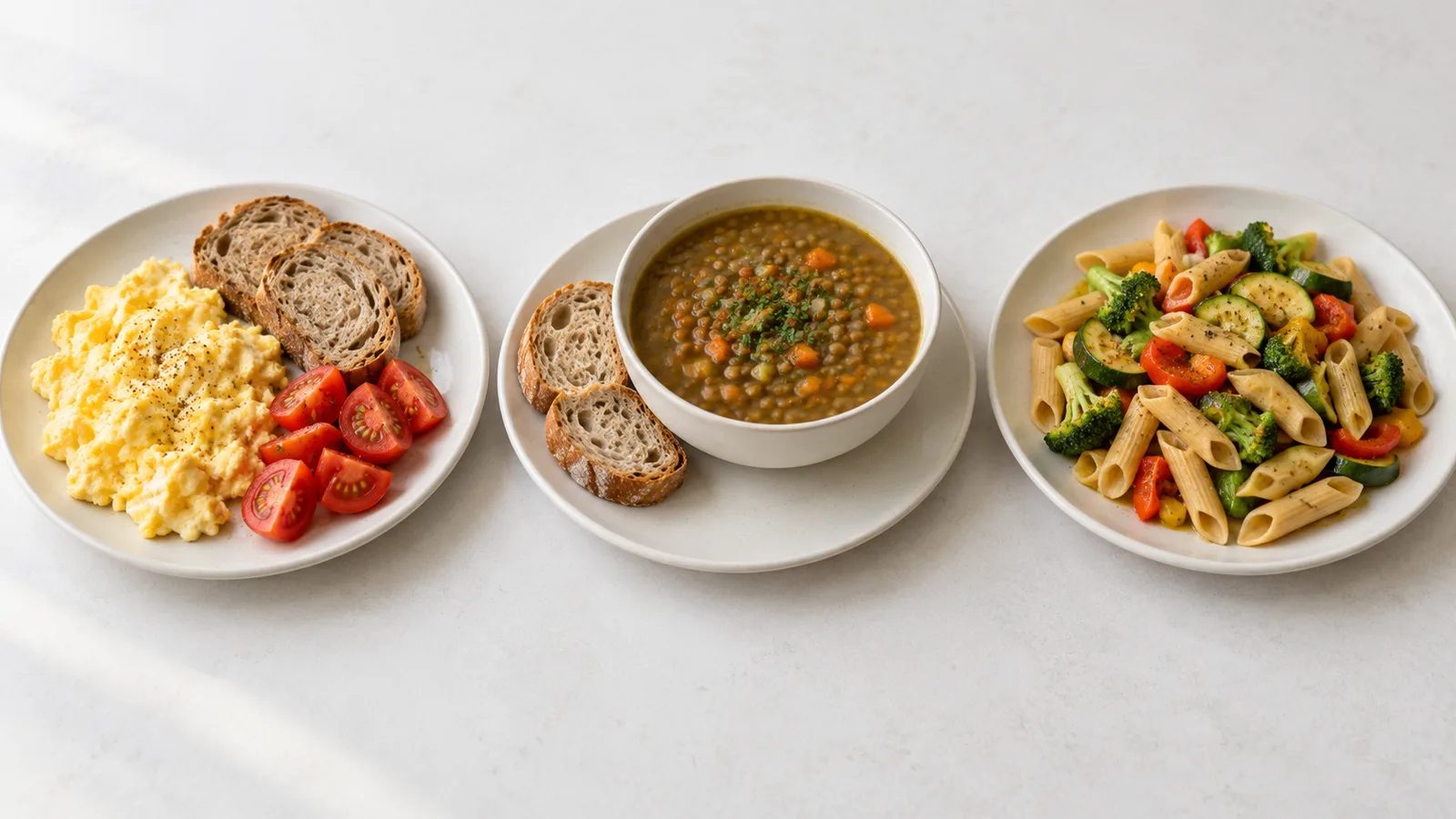
Start with meals you already eat. Estimate your usual meals, snacks and drinks, then compare their total with your target before deciding whether to change any portions.
Calories do not need to be split equally between meals. Arrange them around your day and leave room for meals you enjoy.
To turn your calorie target into protein, carbohydrates and fat, see how to count macros. For the protein part, see how much protein you need a day. For more filling meals within your target, see low-calorie, high-volume foods.
Your target in ClariMeal
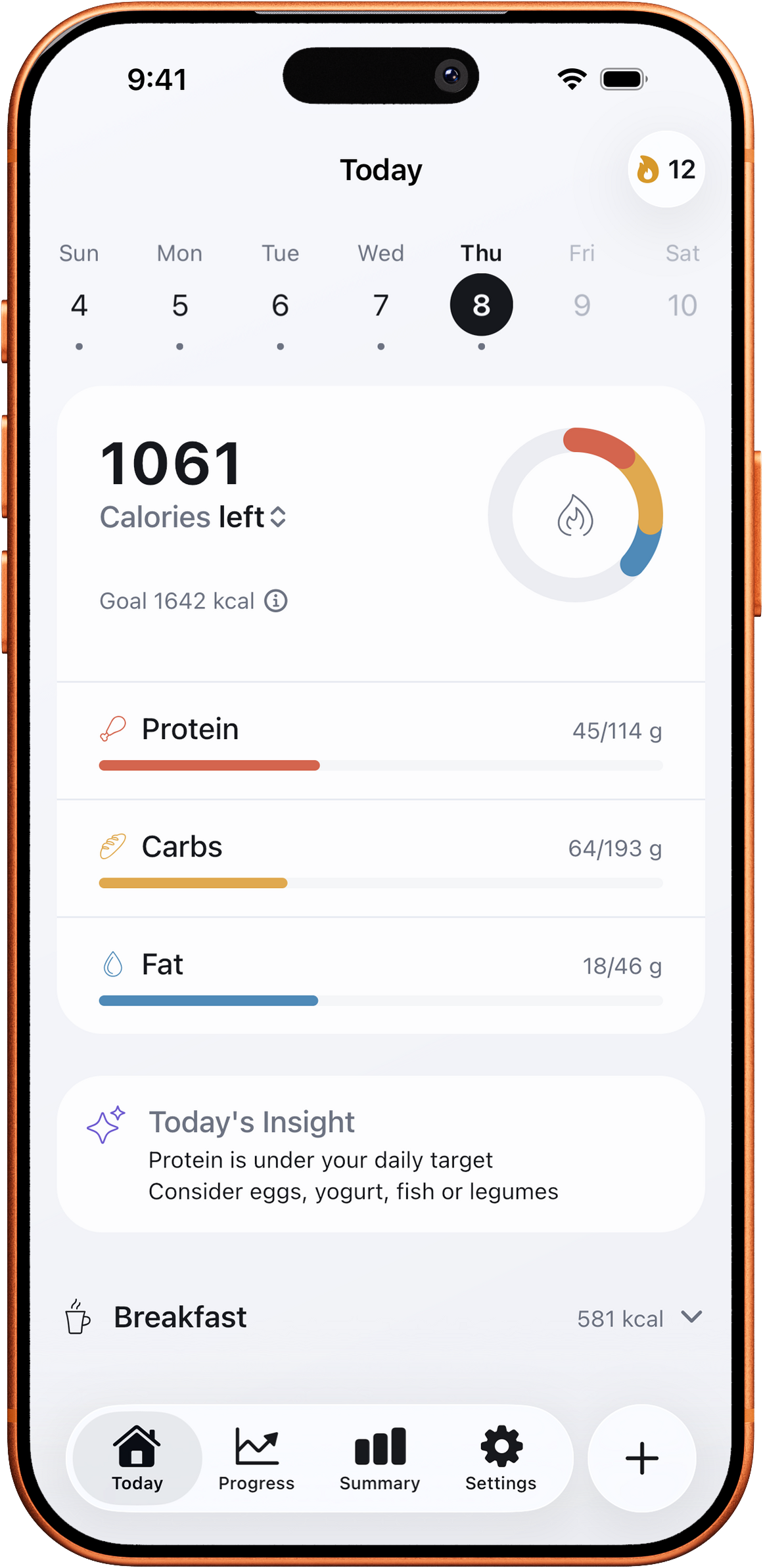
ClariMeal sets a daily calorie target from your profile and goal during onboarding, with the same calculation. The Today screen shows your logged calories, protein, carbs and fat against your targets. You can log a meal by photo, search or barcode; a photo is sent for analysis only with your consent, and you review and correct the estimate before logging.
Set Your TargetsSet Your Targets
Sources
- U.S. Food and Drug Administration. 21 CFR 101.9, Nutrition labeling of food. law.cornell.edu ↑
- U.S. Department of Agriculture and U.S. Department of Health and Human Services. Dietary Guidelines for Americans, 2020–2025, Appendix 2, Table A2-2. dietaryguidelines.gov ↑
- Mifflin MD, St Jeor ST, Hill LA, et al. A new predictive equation for resting energy expenditure in healthy individuals. American Journal of Clinical Nutrition 1990;51(2):241-247. doi.org/10.1093/ajcn/51.2.241 ↑
- Frankenfield D, Roth-Yousey L, Compher C. Comparison of predictive equations for resting metabolic rate in healthy nonobese and obese adults: a systematic review. Journal of the American Dietetic Association 2005;105(5):775-789. doi.org/10.1016/j.jada.2005.02.005 ↑